Service 01 · Build
Software Development, Customization & Module Integration
Software Built Around Your Data Model.
Out-of-the-box software rarely matches the way a utility actually works. SEPM extends its core engine — primarily the SEPM X-Translator framework — to connect Smallworld GIS with external systems, CAD environments and regulatory reporting standards, without changing your core database structure.
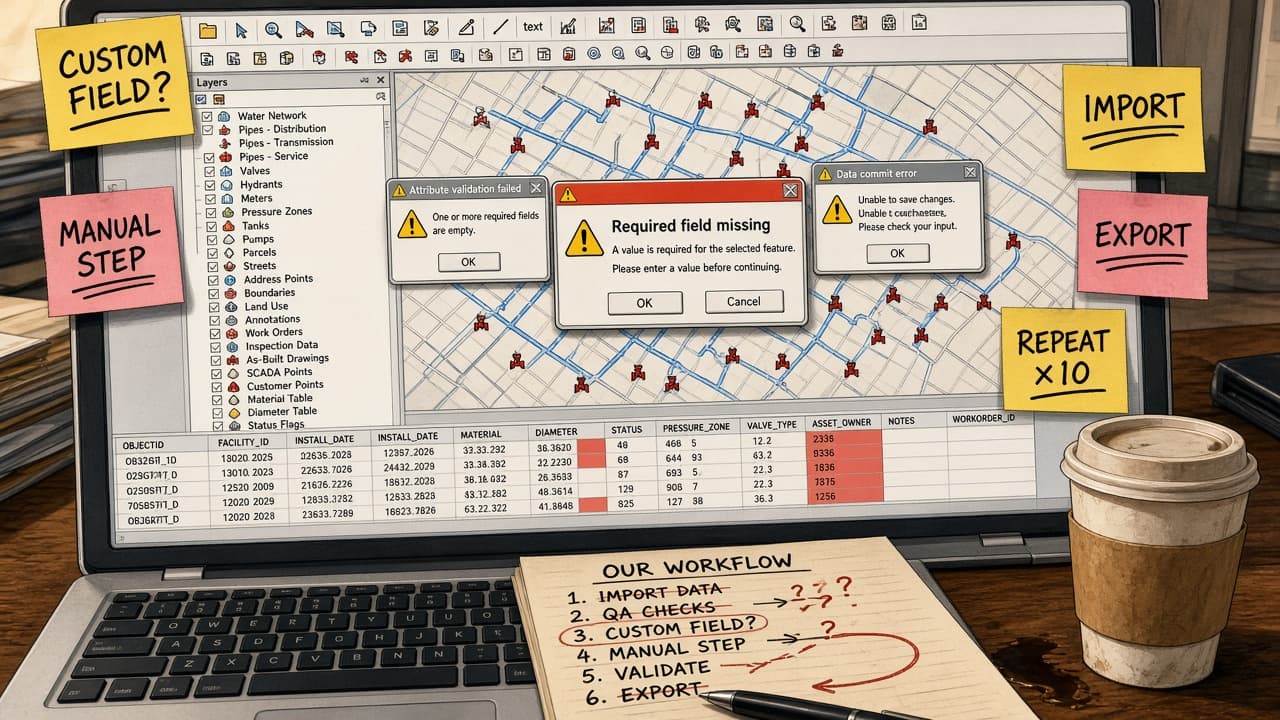



The standard software doesn't fit your workflow.
Missing fields. Manual steps. Endless repeats.
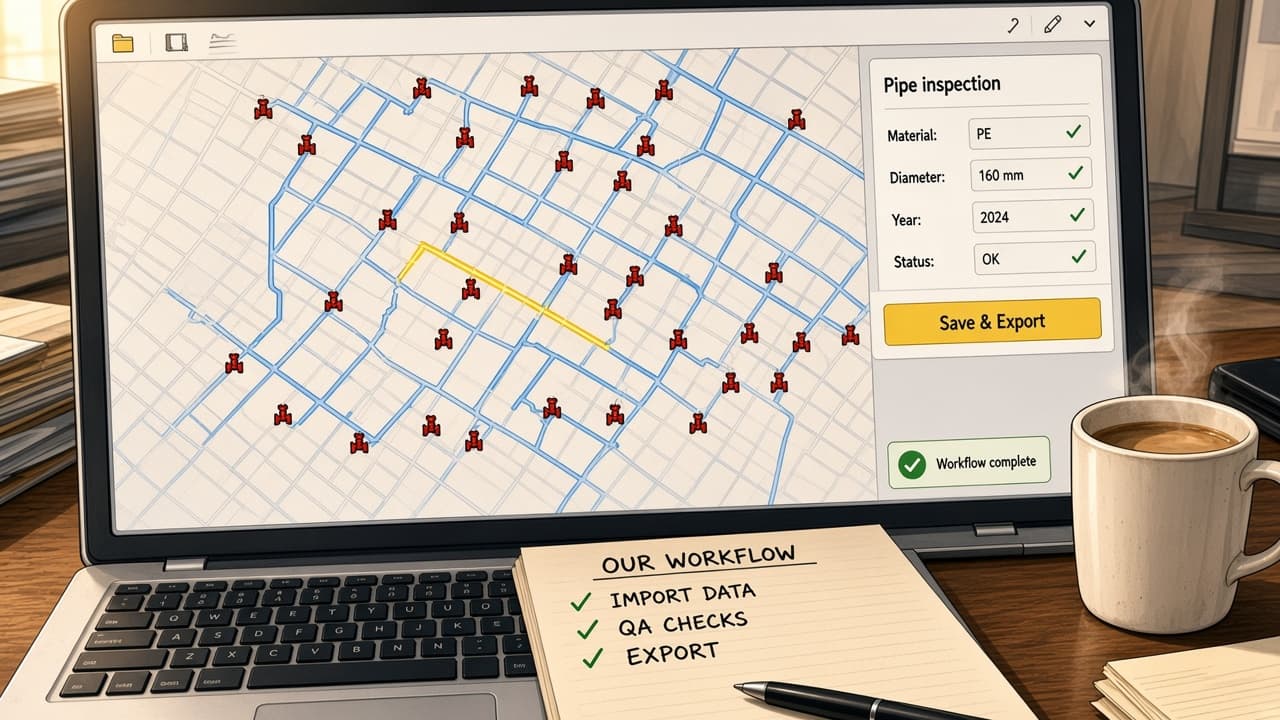
SEPM tailors the software to the way you work.
One focused panel. The right fields. One click.
Your workflow is unique. Your software can be too.
Scope
What We Build.
Our development work spans three areas, often combined within a single project.
Magik Module Engineering
Proprietary Smallworld Magik code and customer-specific modules, following the x_translator_customer_<client> convention, that extend standard X-Translator behaviour for a single client's needs.
- Magik
- x_translator_customer_*
XML & Configuration Mapping
Complex external schema definitions — ISYBAU, INTERLIS, SIA 405 — translated into Smallworld database representations through XML mapping rules and Magik transformation routines.
- ISYBAU
- INTERLIS
- SIA 405
Custom UI & Automation
Streamlined user interfaces such as SEPM Simple GUI and automated background services that reduce manual effort for operators and let non-specialists run complex imports and exports.
- SEPM Simple GUI
- Batch
- APIs
Selected work
Development in Practice.
01Wastewater
LINZ AG
Automated wastewater infrastructure from inspection data
LINZ AG needed to bring sewer inspection data delivered as ISYBAU-XML into Smallworld GIS — without manual digitisation.
- ISYBAU-XML
- Smallworld
- 3D
What SEPM did
SEPM extended the SEPM ISYBAU interface to detect, create and update connection nozzles, manhole connection nozzles, house connection lines and rain inlets automatically.
- 1Attribute extraction — orientation, dimension, material and stationing parsed from ISYBAU inspection events.
- 2Spatial comparison — incoming inspection nodes matched against existing 3D GIS objects within a defined tolerance.
- 3Automated creation — missing network features generated, inheriting parent properties and calculating pipe sole elevations.
- 4Differential update — only empty attributes filled, with an audit log of every created, matched or skipped feature.
Outcome
Manual digitisation replaced by a repeatable, auditable import.
02Gas · Federal reporting
BFE · Swissgas
ELIS and MGDM INTERLIS interfaces for federal reporting
Swiss pipeline operators are legally required to deliver network data to federal portals such as map.geo.admin.ch using the Minimal Geodata Model (MGDM) in INTERLIS 2.3.
- INTERLIS 2.3
- MGDM
- XTF
- KML/KMZ
What SEPM did
SEPM developed customer-specific export modules that connect Smallworld GIS to the federal INTERLIS schema.
- 1Gas network entities — main pipes, stations and pressure containers — mapped to the federal classes Pipeline, AttendantPlant, Container and ProtectedArea.
- 2Transformation rules for operating pressure, pipe diameter, status codes and spatial corridor buffers.
- 3Dual export: official INTERLIS 2.3 XTF files plus lightweight KML/KMZ for map rendering.
Outcome
Regulatory deliveries generated directly from the operator's GIS.
03Electricity · CAD
inetz · Stadtwerke Gotha / ESN
Customer modules for CAD import and network export
Two clients, two very different needs: bringing CAD drawings into Smallworld, and exporting detailed electrical schematics to a subsystem.
- x_translator_customer_*
- CAD/DXF
- Subsystem XML
What SEPM did
SEPM built dedicated customer modules on top of X-Translator.
- 1inetz: Magik scripts and configuration mapping CAD/DXF layers to Smallworld feature classes, with layer filtering, block-to-symbol conversion and automatic attribute population.
- 2Stadtwerke Gotha / ESN: the electrical network export extended to output interior schematics of substations, transformers and cable distribution cabinets as subsystem XML.
Outcome
Standard X-Translator behaviour adapted to each client without forking the product.
Capabilities
How It Works — and What It Changes.
- Data schema mapping
- Technical approachXML mapping rules and Magik transformation routines
- Benefit to youThird-party and regulatory formats bridged to Smallworld without altering the core database.
- Spatial algorithms
- Technical approachAutomated stationing, 3D pipe sole calculation and buffer generation
- Benefit to youNo more manual drafting of new pipe connections or safety corridors.
- Data integrity & audit
- Technical approachDifferential attribute updates and transaction logging
- Benefit to youNo unwanted overwrites — and a full history of every change.
- User experience
- Technical approachDedicated SEPM Simple GUI configurations
- Benefit to youNon-technical staff run complex imports and exports with one click.