
01
Let the data find its match.
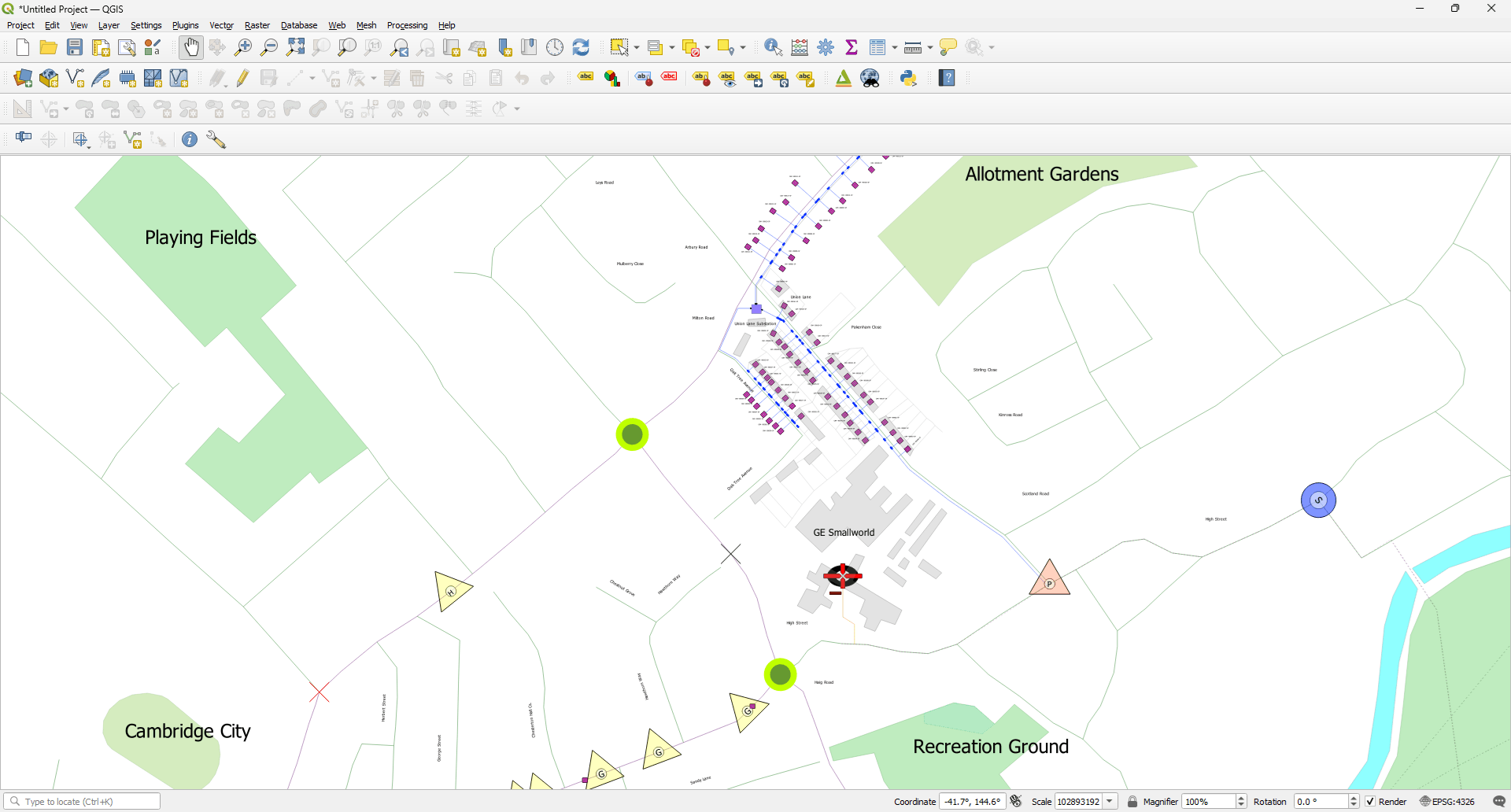
X-Translator automatically discovers corresponding attributes between source and target models, so you spend less time mapping them manually.
Auto Mapping
The translation workflow
Different tools. Different formats. One translation workflow.
01 / Source
Start withwhat you have.
Engineering data already lives in your existing systems.
Smallworld

X-Translator
Powerful tools for mapping, translating and reusing GIS data — without repeating the same work every time.
01
X-Translator automatically discovers corresponding attributes between source and target models, so you spend less time mapping them manually.
Auto Mapping
02
Reuse mapping configurations across recurring translation workflows, so you don't have to rebuild the same mapping every time.
Transfer Profiles
Flexible Mapping
Build mappings the way your workflow requires — from flexible value matching and fixed values to reusable configurations and rules.
Comparison
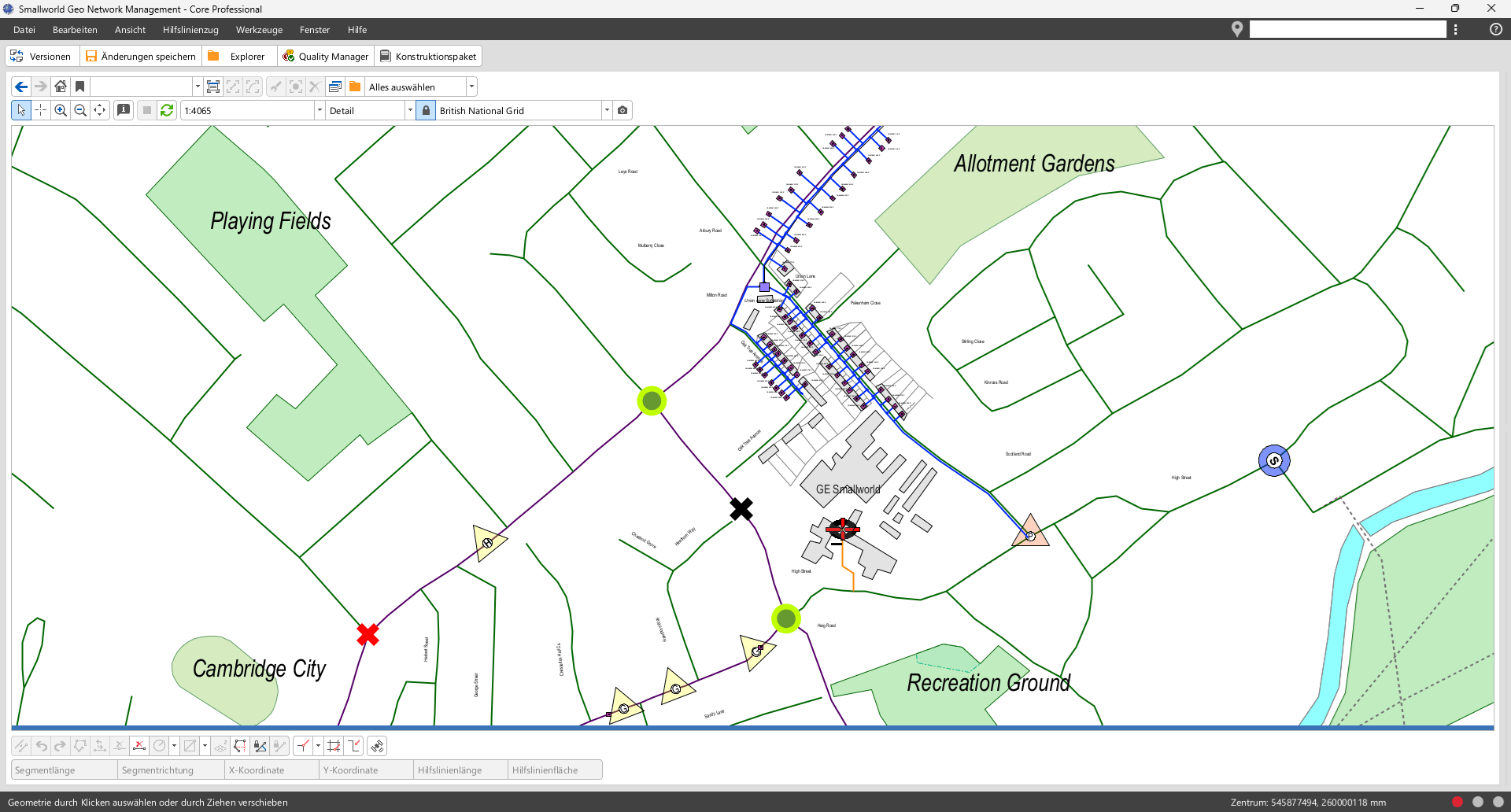
The classic edition runs inside Smallworld GIS. The new X-Translator runs on its own.
An add-on inside Smallworld GIS
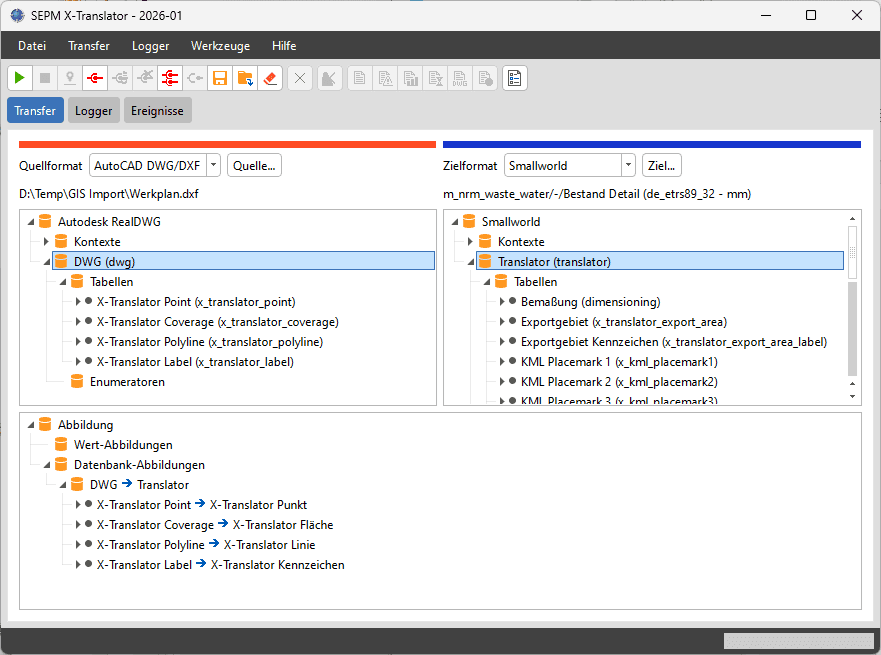
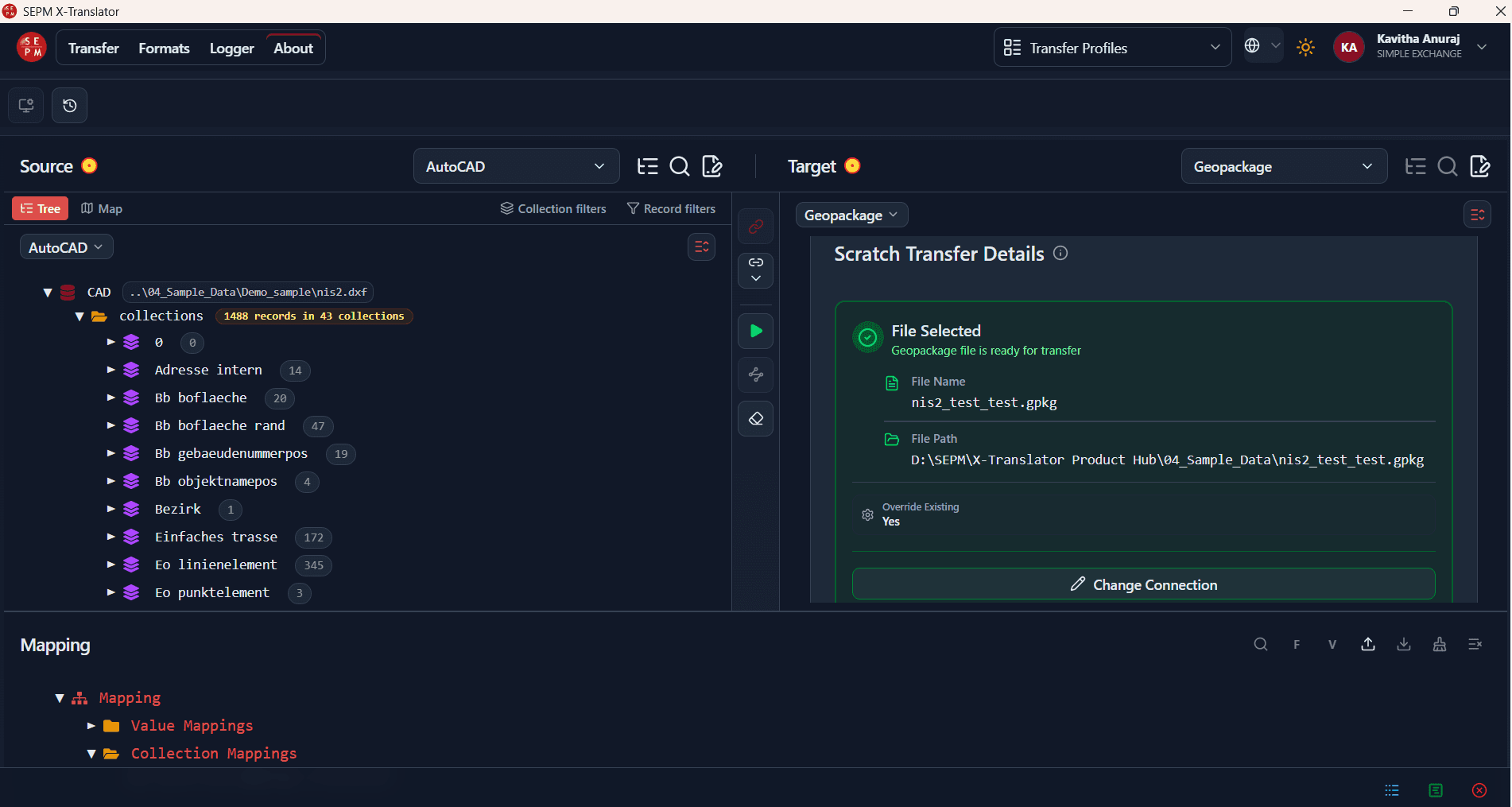
An independent desktop app
| Topic | Smallworld X-Translator | New X-Translator |
|---|---|---|
| Where it runs | Inside a running Smallworld server | On its own, as a desktop app |
| Installation | Added to Smallworld by an administrator | Install and play — installer or portable |
| Interface | Smallworld SWAF screens | Modern app with themes and guided steps |
| Engine | Smallworld Magik, with gas, water and NIS add-ons | Python (GeoPandas) plus a dedicated CAD service |
| Formats | Smallworld in and out, with its full feature set | Any-to-any: GIS databases, files, web services, CAD |
| Smallworld access | Native, from inside Smallworld | Through a Vert.x-based server connector |
| Mapping | Proven, model-aware mappings and existing configurations | Auto Map, value mappings and reusable profiles |
| Updating data | Connect, Connect-ID and Connect Matching | Connect-ID update keys |
| Sign-in | Smallworld authorisation groups | SEPM account — users and subscriptions in SEPM USA |
| Maturity | Mature and proven in production | Actively developed; large-data selection still being refined |
Using the Smallworld edition today? We'll help you choose — or run both.
Talk to SEPMGet the latest X-Translator builds, release notes, and migration packages for your Smallworld environment.
Watch walkthroughs of common import/export workflows, or request a live demonstration tailored to your data model.
Guides, configuration references, and best practices to get X-Translator running in your organization.