
Product
SEPM ISYBAU Interface
Import / Export — Made Simple
Complete import of ISYBAU XML into Smallworld — and export of NRM Wastewater data back to ISYBAU XML.
- Source
- ISYBAU XML
- Target
- Smallworld NRM Wastewater
- ISYBAU models
- XML 2013-02 / 2017-07
- Direction
- Import and export
How it works
Import / Export to ISYBAU
The SEPM ISYBAU interface reads ISYBAU XML into Smallworld and writes NRM Wastewater data back out as ISYBAU XML.
- 01
ISYBAU XML
Inventory and measurement data in an ISYBAU XML transfer file.
- 02
SEPM ISYBAU Interface
The interface imports, checks or updates NRM Kanal — and exports back to XML.
- 03
Smallworld GIS
The wastewater network is available in NRM Kanal.
The advantages
Flexible import, complete export, native XML model
- 01
Import of ISYBAU-XML into NRM Kanal
Import inventory and measurement data into NRM Kanal. Import modes can check only, or partially or completely update existing data. Optionally import only the primary network (sewage main, chamber or facility), the secondary network (connecting lines), or only measurement data (line and chamber statuses).
- 02
Export from NRM Kanal to ISYBAU-XML
Export inventory and measurement data from NRM Kanal into an ISYBAU XML file. The user interface captures metainformation on the property, administration, identification and work order.
- 03
SEPM X-Database ISYBAU
A complete import of any ISYBAU XML data into the SEPM X-Database ISYBAU. The Smallworld data model was generated directly from the XML schema files, so it can also include data from other ISYBAU areas such as operating data or hydraulic data.
Specifications
Supported models and versions
ISYBAU XML 2013-02
Supported ISYBAU exchange model.
ISYBAU XML 2017-07
Supported ISYBAU exchange model.
NRM Kanal 4.3.*
Supported Smallworld NRM Wastewater version.
NRM Kanal 5.2.*
Supported Smallworld NRM Wastewater version.
Object classes
ISYBAU and NRM Kanal classes
Inventory and measurement classes on both sides of the interface — names as used in the ISYBAU and NRM models.
ISYBAU inventory data
- Schacht
- Bauwerk
- Pumpwerk
- Becken
- Behandlungsanlage
- Klaeranlage
- Auslaufbauwerk
- Mulde/Teich
- Rohr/Rigole
- Anschlusspunkt
- Haltung
- Leitung
ISYBAU measurement data
- Auftrag
- Rohrleitung/RZustand
- Knoten/KZustand
NRM Kanal inventory data
- AW Schacht
- AW Fiktiver Schacht
- AW Bauwerk
- AW Haltung/Druckrohrltg.
- AW Anschlussleitung
- AW Hausanschluss
- AW Regeneinlauf
- AW Stutzen
NRM Kanal measurement data
- AW Kanaluntersuchung
- AW Schaden
- AW Schacht Untersuchung
- AW Schacht Schaden
In practice
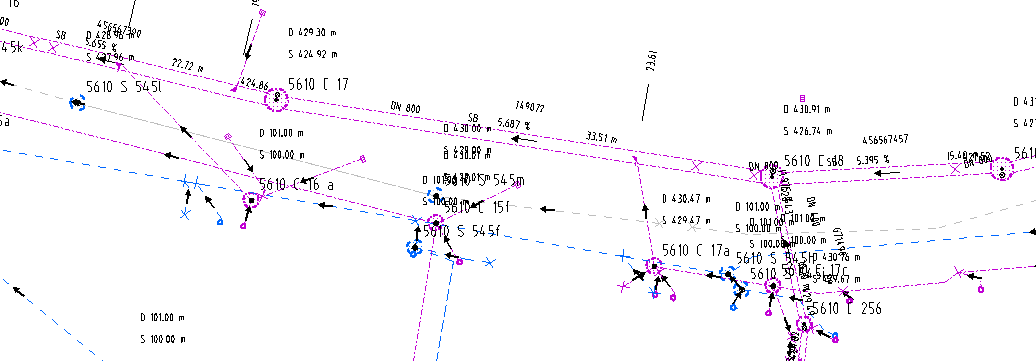
ISYBAU data imported to Smallworld
Manholes, pipes and inspection values land in NRM Kanal so the GIS holds the same inventory and condition data as the ISYBAU file.
Related case studies
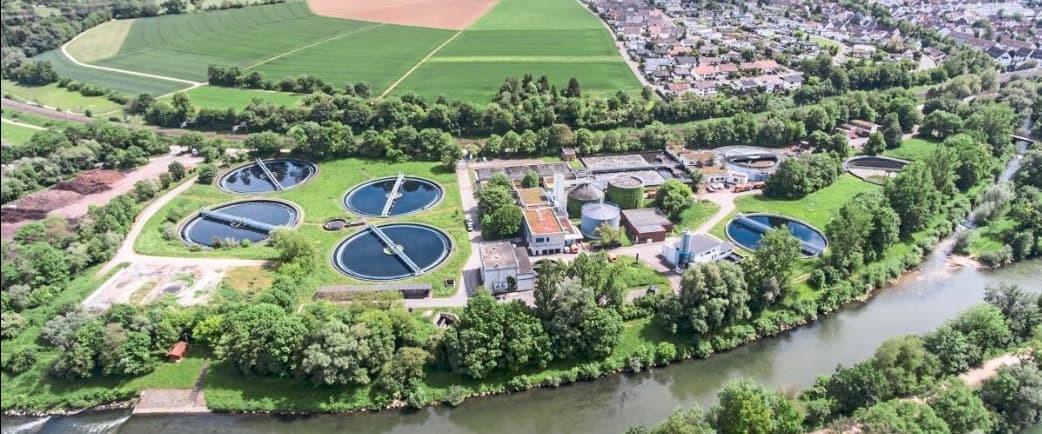
ISYBAU Data Exchange
Sewer inventory data in ISYBAU XML — from small inspection areas to complete inventories
Read the full case study
Data Migration
Replacing Smallworld with GISMobil — with every vector, attribute and raster plan intact
Read the full case study
Ready to exchange ISYBAU data?
Talk to SEPM