
Product
SEPM NEPLAN Interface
Export — Made Simple
Seamless export of Smallworld data to NEPLAN so network calculations can run in the low- and mid-voltage range — without rebuilding the model by hand.
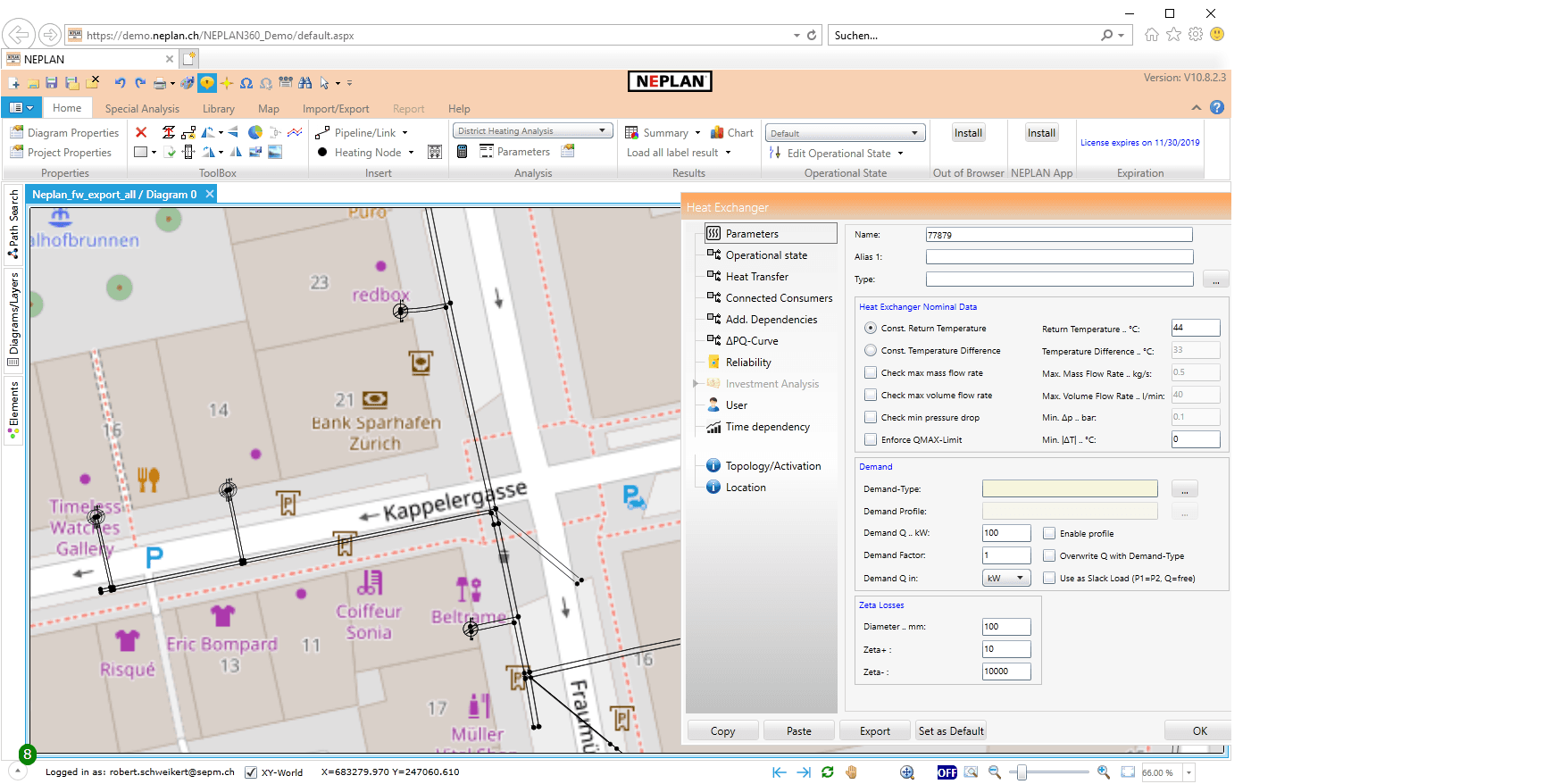
- Source
- Smallworld GIS
- Target
- NEPLAN
- Transfer file
- ListXML
- Voltage range
- Low and mid voltage
How it works
Export from Smallworld into NEPLAN
The SEPM NEPLAN Interface takes the documented Smallworld network, writes a transfer file and opens it in NEPLAN for load-flow and related calculations.
- 01
Smallworld GIS
The operational network is maintained in Smallworld.
- 02
SEPM NEPLAN Export
The interface exports the selected network as a ListXML transfer file.
- 03
NEPLAN
The model is available for calculation in the low- and mid-voltage range.
The advantages
A calculation-ready network — without the clutter
- 01
Elimination of switches
Objects between the feeder or transformer and the busbar can be stored as logical switches, which enables a greatly simplified representation of the medium-voltage network in NEPLAN.
- 02
Combination of cables connected by joints
Cables lying one behind the other are combined into a single line. The physical data of the cables is still available as line sections associated to the line.
- 03
Fuses
Fuses can be created for house service connections.
- 04
Preconfigured data export
Settings can be saved as a configuration and called up in the SEPM Simple GUI.
- 05
User and TechData variables
NEPLAN user data and arbitrary technical parameters can be flexibly configured.
Specifications
Export modes
Export area and queries
Spatial and alphanumeric queries restrict the set of exported objects.
Entire database and queries
The whole database is exported — for example mid-voltage only.
Network tracing
Trace from a chosen start — for example all objects connected to a low-voltage bus bar.
Combined mid / low voltage
For the mid-voltage network and for each distribution station, a separate diagram is created.
Applications
What the export is used for
- 01
New plants and retrofitting
Calculation and approval of new plants or retrofitting projects.
- 02
Local generation
Simulation of the effects of local generators on the medium-voltage grid.
- 03
Short circuit and load flow
Short-circuit and load-flow calculations on the exported network.
- 04
Selectivity analysis
Protection selectivity can be assessed on the calculation model.
- 05
Interactive plant assessment
Serves as a web solution for interactive assessment of new installations.
In practice
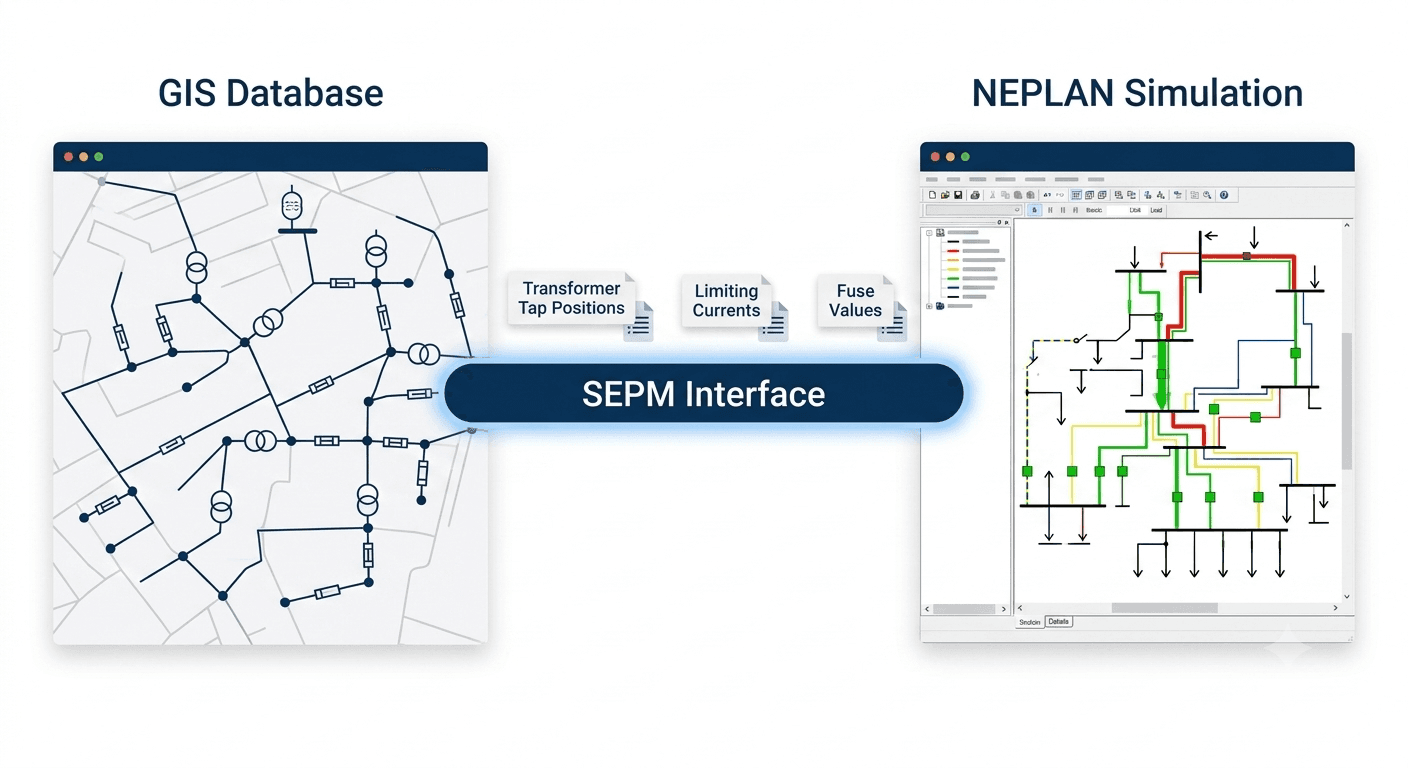
Smallworld data exported to NEPLAN for load-flow simulation
GIS remains the source of truth. The interface transfers the network — including the attributes NEPLAN needs — so simulation runs on operational data.
Related case studies

Grid Simulation
Proving voltage-rise compliance for new power plants — without redrawing the low-voltage grid
Read the full case study
District Heating Interface
District heating networks from GIS to NEPLAN — without capturing the data twice
Read the full case study
Ready to export Smallworld to NEPLAN?
Talk to SEPM